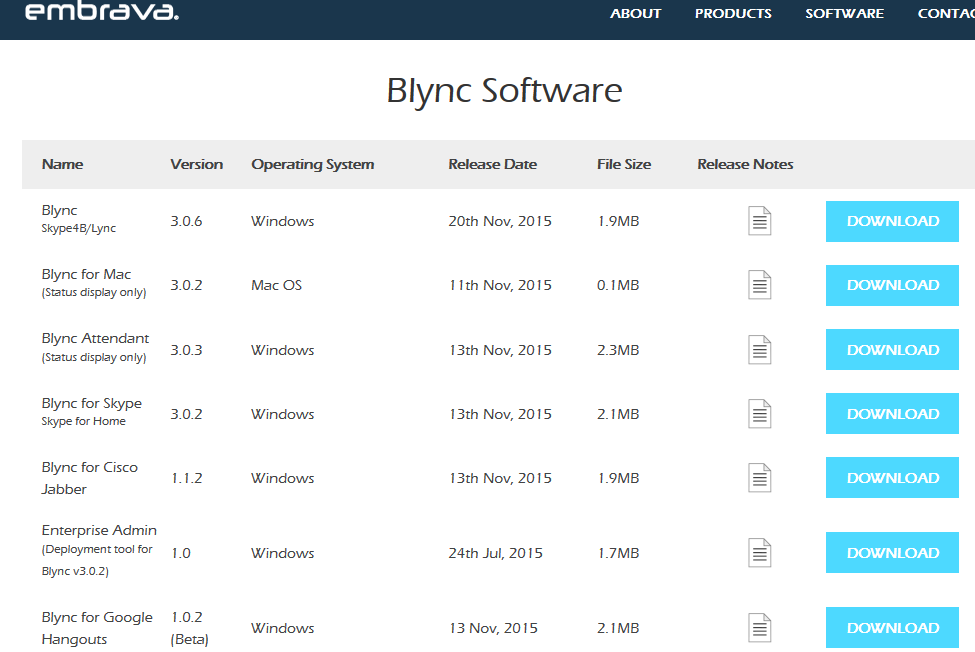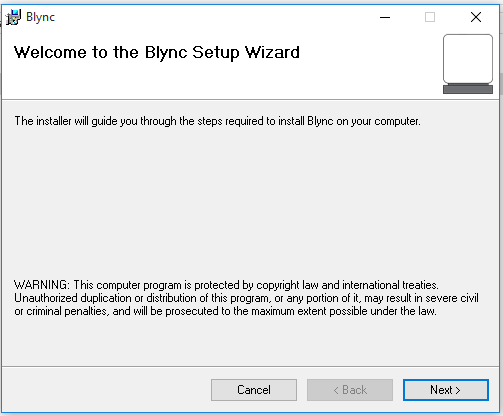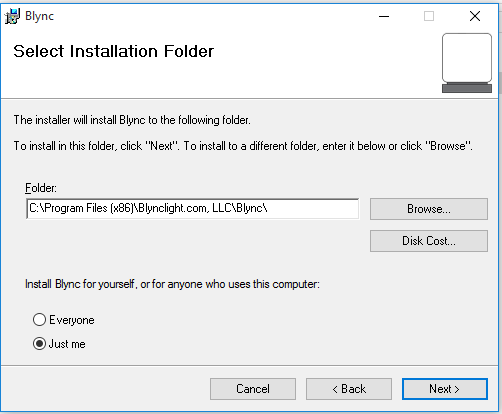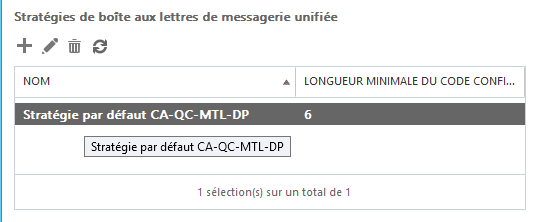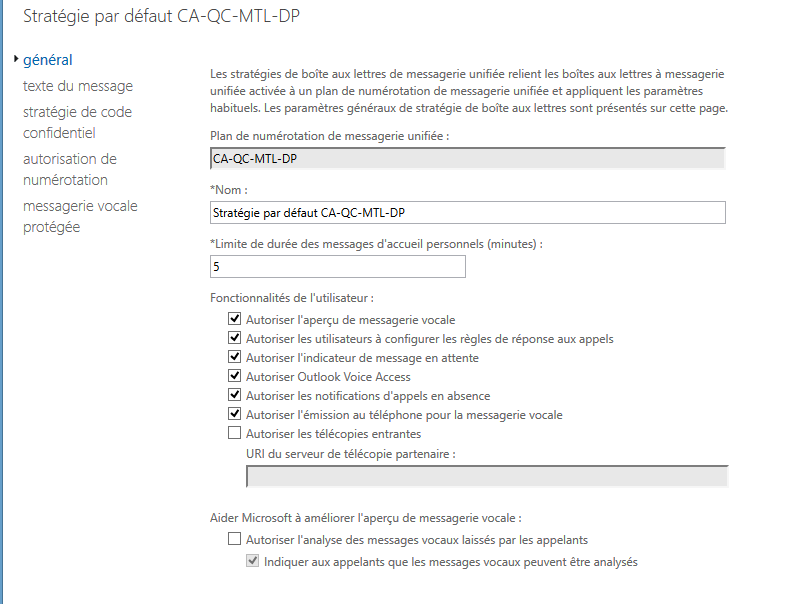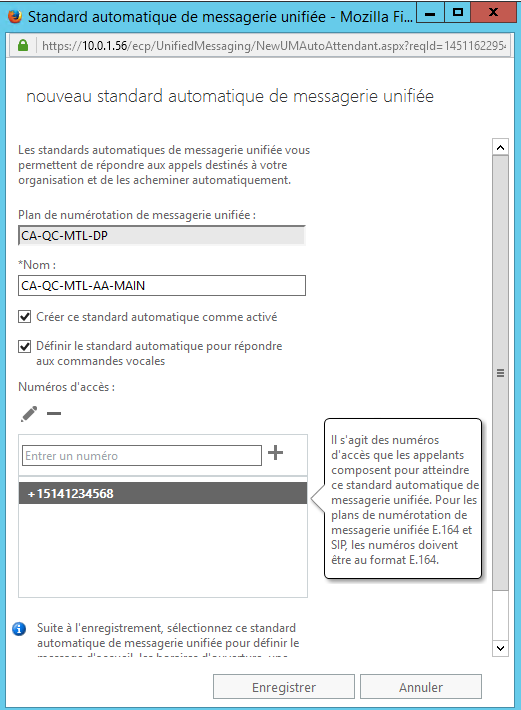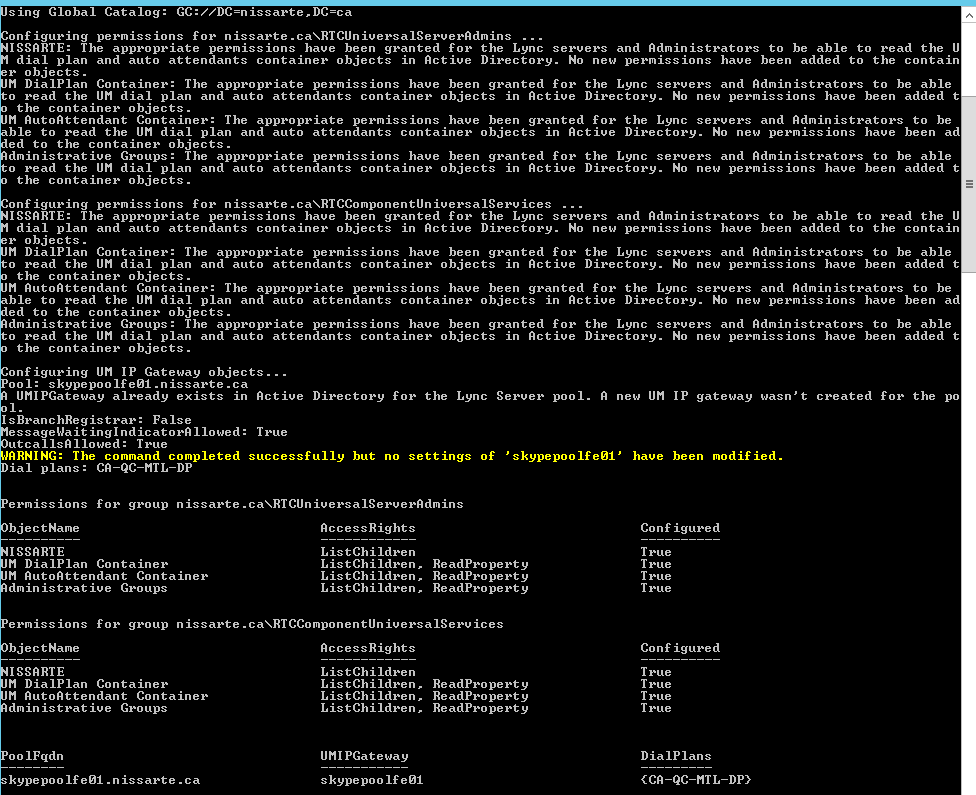
Il est disponible!
Plus d'informations ici: http://blogs.technet.com/b/exchange/archive/2015/10/01/exchange-server-2016-forged-in-the-cloud-now-available-on-premises.aspx?MC=OnPremInf&MC=CloudPlat&MC=MSAzure&MC=DevOps&MC=MsgCollab
Microsoft vient de publier une mise à jour pour le client Lync Mac:
|
Product |
Version |
KBs |
Download |
|
Lync for Mac |
14.2.1 |
Microsoft vient de publier un bulletin de sécurité pour la version cliente Skype for Business 2016.
Description:
This security update resolves vulnerabilities in Skype for Business 2016 that could allow remote code execution if a user opens a specially crafted document or goes to an untrusted webpage that contains embedded OpenType fonts. To learn more about the vulnerabilities, see Microsoft Security Bulletin MS15-097.
Corrections:
Lien: https://support.microsoft.com/en-us/kb/2910994
Téléchargement:
Download the security update for Skype for Business 2016 (32-bit) package now.
Download the security update for Skype for Business 2016 (64-bit) package now.
James Cussen vient de publier une version 2 de son célebre outil "Lync Polycom VVX Manager".
Plus d'informations ici: http://www.myskypelab.com/2015/10/skype-for-business-lync-polycom-vvx.html?m=1
Vraiment un excellent outil de travail.
Microsoft va rendre disponible la fonctionnalité "Translator" de base dans la prochaine version Skype Windows disponible dans les semaines à venir:
The update is being introduced to the Skype for Windows desktop app over the next few weeks. When you see these NEW Skype Translator icons within your updated app (shown in the red box below), Skype Translator is ready to use.
Plus d'informations ici: http://blogs.skype.com/2015/10/01/skype-translator-unveils-the-magic-to-more-people-around-the-world/
Microsoft annonce le support sur Mac avec la nouvelle version Skype 7.13 avec El Capitan et Split View.
Lien: http://blogs.skype.com/2015/09/30/skype-7-13-for-mac-now-supports-os-x-el-capitan/
Article "Étape par Étape: Installation d’un serveur de conversation permanente Skype Entreprise Server 2015" publié aujourd'hui sur le technet à l'adresse suivante:
Polycom a rendu disponible au mois de septembre le firmware 5.0 pour ces systêmes GroupSeries.
Description:
Includes support for Microsoft Office 365 calendaring, first release of the Polycom RealPresence Touch device, adds support for viewing content from Microsoft Lync desktop clients, add provisioning capabilities, includes enhancements to security for SIP applications, adds support for Lync Response Group registrations, adds Native Support for RealConnect feature, support for Link Layer Discovery Protocol (LLDP) and Link Layer Discovery Protocol Media Endpoint Discovery (LLDP/MED), new API commands, adds improvements to import and directory interface, support for new EagleEye IV mounting option, includes Acoustic Fence technology, includes update to web interface to include 3.5mm audio input, includes support for EagleEye Producer software 1.1 that has automatic camera updates, and includes support for several experimental features
Nouveautés:
Release note disponible ici: http://downloads.polycom.com/video/group_series/ReleaseNotes/group_series_rel_notes_v5_0_0.pdf
Microsoft vient de sortir un KB concernant le problème suivant:
In this scenario, nothing happens. You don't see any notification or visual indication that recording has started. Additionally, when you open the recording manager, you don't see any file or progress status.
Status:
This problem is scheduled to be fixed in the October 2015 update for Lync 2013 (Skype for Business).
Lien KB: https://support2.microsoft.com/kb/3099414/en-us?sd=rss&spid=924
Polycom a publié une nouvelle version logiciel UC Software 5.4.0A
Support téléphones:
● VVX 201 business media phones
● VVX 300/310 business media phones
● VVX 400/410 business media phones
● VVX 500 business media phones
● VVX 600 business media phones
● SoundStructure VoIP Interface
Support accessoires
● VVX Camera
● VVX Expansion Module
Nouveautés:
Matrice des fonctionnalités:
Release note disponible ici: http://downloads.polycom.com/voice/voip/uc/UC_Software_Release_Notes_5_4_0_Rev_A.pdf
Certains d'entre vous ont possiblement expérimenté le ou les problemes suivants suite à l'application de la mise à jour de sécurité 3080353:
Microsoft vient de publier un KB décrivant la résolution: https://support.microsoft.com/en-us/kb/3098577
Microsoft vient de publier un document présentant les futures fonctionnalités avec skype for Business pour iOS.
Description:
Skype for Business for iOS is a productivity app that brings Skype Meetings, presence, instant messaging (IM), voice, and video capabilities to your iOS mobile device. It has a new look and feel, at-a-glance view of your upcoming meetings and conversation history, simplified call controls, and other improvements
http://www.microsoft.com/en-us/download/details.aspx?id=49123&WT.mc_id=rss_alldownloads_all
Le 17 septembre, Sonus a publié un nouveau firmware en version 4.1.3.
Problèmes résolus dans cette mise à niveau:
| SYM-20208 | Update REST API ADCONFIG statistics resource |
|---|---|
| SYM-19838 | Intermittent SBC 2000 eUSB firmware upgrade failure upon system upgrade |
| SYM-19964 | Port License upgrade may cause SBC configuration issue |
| SYM-19427 | SBAComms signed with SHA2-256 certificate |
| SYM-19850 | Enable SSH upon detection of system failure |
| SYM-20087 | Memory leak may occur due to subscriber data re-routing |
| SYM-20090 | SystemHealthMonitor stability improvement |
| SYM-19525 | Factory default followed by config restore/import invalidates configured passwords |
| SYM-19828 | Modify Active Directory cache refresh defaults |
| SYM-19851 | Disable Active Directory cache refresh timer while refresh is in progress |
| SYM-19920 | Duplicate certificate configuration entries may cause first attempt to upgrade from older software releases to fail |
Information ici: https://support.sonus.net/display/UXDOC40/SBC+1000-2000+4.0.5+Release+Notes
Le 15 septembre, Sonus a publié un nouveau firmware en version 4.1.3.
Problèmes résolus dans cette mise à niveau:
| SYM-20208 | Update REST API ADCONFIG statistics resource |
|---|---|
| SYM-20194 | SIP Subscribe method does not work with Outbound Proxy configured |
| SYM-20210 | Add URL link to LX in the WebUI logging subsystem |
| SYM-19838 | Intermittent SBC 2000 eUSB firmware upgrade failure upon system upgrade |
| SYM-20433 | SIP stability improvement |
| SYM-19850 | Enable SSH upon detection of system failure |
| SYM-19964 | Port License upgrade may cause SBC configuration issue |
| SYM-19618 | Active Directory query timeouts may result in failed calls |
| SYM-20090 | SystemHealthMonitor stability improvement |
| SYM-20087 | Memory leak may occur due to subscriber data re-routing |
| SYM-19427 | SBAComms signed with SHA2-256 certificate |
| SYM-19743 | Cannot add parameters to Request Line URI parameters via SMM Rules |
| SYM-19640 | Factory default followed by config restore/import invalidates configured passwords |
| SYM-19791 | TDMon stability improvement |
| SYM-19520 | Presence of ISDN Notification Indicator IE may cause audio issues in transfers |
| SYM-19828 | Modify Active Directory cache refresh defaults |
| SYM-19837 | SIP stability improvement |
| SYM-19851 | Disable Active Directory cache refresh timer while refresh is in progress |
| SYM-19920 | Duplicate certificate configuration entries may cause first attempt to upgrade from older software releases to fail |
| SYM-19833 | Accept calls from cached outgoing Lync connections |
| SYM-19826 | Add response code 422 in SMM rule |
| SYM-19793 | Using SIP INFO for digit transmission may result in one way audio |
| SYM-19797 | SIP Server table may display "Retry Non-Stale Nonce" in error |
Information ici: https://support.sonus.net/display/UXDOC41/SBC+1000-2000+4.1.3+Release+Notes
Le groupe des Usagers Communication Unifiée Microsoft de Montréal se réunira le lundi le 27 octobre 2015.
Le planning pour cette rencontre est le suivant:
1- Présentation des enjeux d’un déploiement dans Office 365 par Jean-Philippe Breton - 30 minutes
Break - 10 minutes
2- Présentation des fonctionnalités offertes avec Skype Meeting Broadcast actuellement en preview par Christophe Boucetta - 15 minutes
Break - 10 minutes
3- Présentation des scénarios d'intégrations VTC possibles avec Skype pour Entreprise par Jean-Philippe Breton et Christophe Boucetta - 15 minutes
Q/A- périodes de questions prévues en fin de session - 15 minutes
Les sessions seront animées par les deux Microsoft MVP Lync/Skype for Business pour le Québec, Jean-Philippe Breton, Président de Akilon, et Christophe Boucetta, Directeur technique UC de Solulan.
N'hésitez pas à nous solliciter pour toutes questions à propos du planning ou du groupe, nous y répondrons avec plaisir.
La session est gratuite et accompagnée de boisson, nourriture offerte par le groupe des usages UC de Montréal.
Au plaisir de vous rencontrer.
Microsoft vient de publier aujourd'hui un nouveau KB pour Lync Serveur 2013: http://support2.microsoft.com/kb/2809243/en-us?sd=rss&spid=924
Microsoft avait annoncé la disponibilité d'office 2016 pour le 22 septembre, il est disponible sur MSDN:
Vous pouvez trouver de l'information ici: https://blogs.office.com/2015/09/22/thenewoffice/
Information:
OneDrive for Business coming later this month
Skype for Business is now available in the client apps, allowing you to IM, screen share, talk or video chat right in your docs. This same experience will be coming to Office Online later this fall. Skype for Business also has faster screen sharing and now adds the option to start a real-time co-authoring session from any conversation or meeting.
Audiocodes à publié le 16 septembre une notice pour la procédure de mise à jour du firmware 6.8 vers 7 pour les Mediant 9000 et SE/VE SBC
Product Notice #0254
Produits concernés:
Mediant Server Edition (SE) SBC
Mediant Virtual Edition (VE) SBC
Mediant 9000 SBC
Contenu:
Due to enhanced security support introduced in Version 7.0, the size of the Software Version file (.cmp) was increased compared to that of Version 6.8. To enable products running Version 6.8 to process this large file when upgrading to Version 7.0, a special upgrade procedure must be done in order to accommodate for this file size:
To upgrade from Version 6.8 to Version 7.0:
1. Configure the device to allow the handling of large .cmp file sizes:
a. Create an ini file that contains the following two lines:
BSPMAXCMPFILESIZE = 150
initialshellcommand = 'HideAndNotBurn; RunOnTheFly; ForceRunAll; */ResetWebServer RESET'
b. In the Web interface, open the Load Auxiliary Files page (Maintenance tab > Software Update menu > Load Auxiliary Files).
c. Click the Browse button corresponding to the ini file type, navigate to the folder in which the file is located, select the ini file, and then click Open.
d. Click the Load File button to upload the file to the device.
2. Upgrade the device according to the software version currently running on the device:
• Software Version earlier than 6.80A.285:
i. Upgrade the device to Version 6.80A.285.
ii. Upgrade the device to Version 7.00A.029.503 or later.
• Software Version 6.80A.285 or later:
i. Upgrade the device to Version 7.00A.029.503 or later.
Je viens bientôt (quand j'aurais le temps), le faire dans mon lab, un article suivra ensuite.
Sonus vient de publier une nouvelle version de son application LX en version 2.0
Release notes:
README
======
Minimum Requirements:
=====================
1. x86 or x64 processor
2. 1GB RAM
3. 50MB of disk space
4. .NET 4+
Install
=======
1. Install LX 2.0 by double-clicking setup.exe
2. The setup.exe checks for prerequirements and installs them automatically.
Supported products
==================
Sonus VX/1k/2k/5k/7k/SWe/GSX and Microsoft Lync
Features/Changes in 2.0
=======================
1. New Syslog server
2. LX as a Windows Service for Syslogging.
3. Support for merging multiple call legs based on GCID.(UX only)
4. Intelligent log search.
5. Built in SFTP/SCP support to download external logs
6. Support for parsing large log files.
7.64bit support
8.Syslog save to disk support
9.Syslog disk log rotation based on file size support
10.Syslog auto delete old logs support
11.Memory/CPU metrics and charts
12.Call rate, SIP/ISDN metrics and charts
13.Call duration analysis
14.Major performance improvements.
Intéressante nouvelle publié ce jour sur le blog office!
Bug irritant chez un client ayant un parc important de téléphones SNOM, lors d'une recherche, les groupes de distributions sont visible mais le contenu est vide.
J'ai donc fait remonté le bug et l'ai fait validé par Jan lui même qui confirme le comportement.
La mise à jour logicielle 8.7.5.24 corrige maintenant le problème.
Comment supprimer un ancien url vers des rapports de surveillances?
Simple.
Le client présente dans son panneau de configuration deux liens, le premier n'étant plus existant.
L'opération s'effectue en powershell:
Get-csReportingConfiguration
Remove-csReportingConfiguration
L'url n'est plus visible maintenant: