

Microsoft a rendu disponible une nouvelle version du module powershell pour Microsoft Teams en version 5.6.1 (preview)
Date: 10 Octobre 2023
Release notes: https://docs.microsoft.com/en-us/microsoftteams/teams-powershell-release-notes
Lien: https://www.powershellgallery.com/packages/MicrosoftTeams/5.6.1-preview
Release notes:
**5.6.1-preview** (The project - MicrosoftTeams contains changes till this release)
- Removes deprecated ExternalAccessPrefix and OptimizeDeviceDialing parameters from [New|Set]-CsTenantDialPlan cmdlets.
- Fixes Get-CsTenantDialPlan cmdlet to return correct format of dial plan policy.
- Adds AdministrativeUnitReference to Get-CsOnlineUser output. This is currently populated in the commercial environments only.
- Fixes an issue with Connect-MicrosoftTeams to display the relevant TenantId, when authenticated using Managed Service Identity.
- Fixes the error in Sync-CsOnlineApplicationInstance output.
Comment installer le module powershell MicrosoftTeams en version preview?
Install-Module -Name MicrosoftTeams
-AllowPrerelease

Comment mettre à niveau votre module powershell vers cette version?
Update-Module -Name MicrosoftTeams
-AllowPrerelease

Comment vérifier votre version installée powershell MicrosoftTeams?
Get-InstalledModule



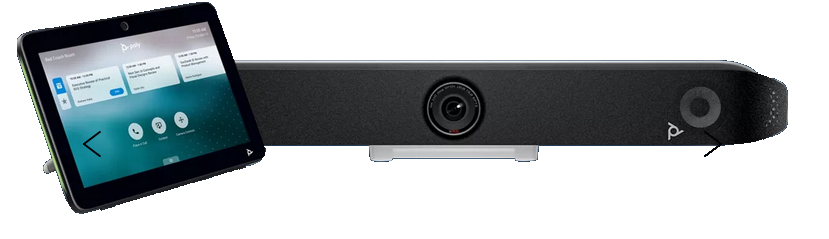








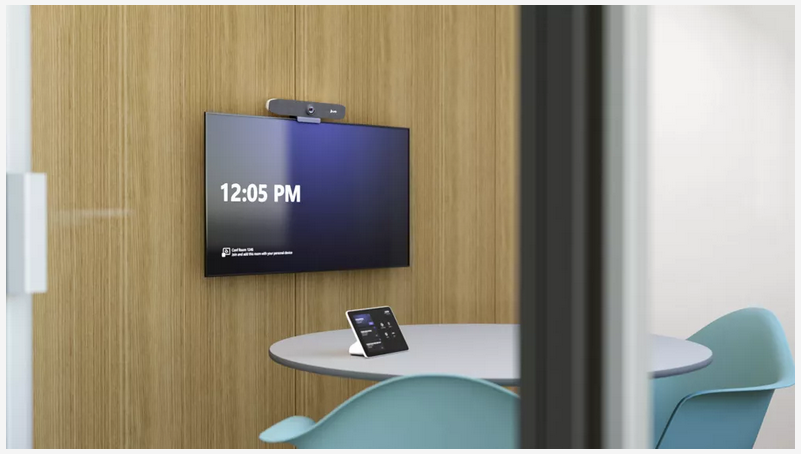










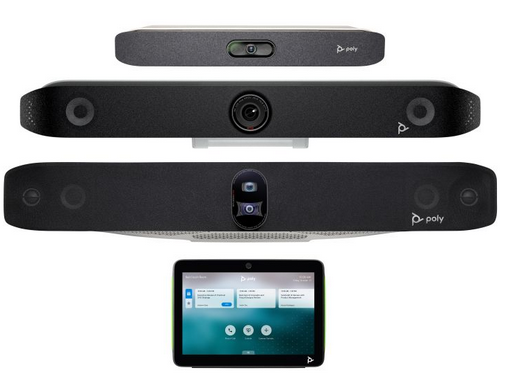
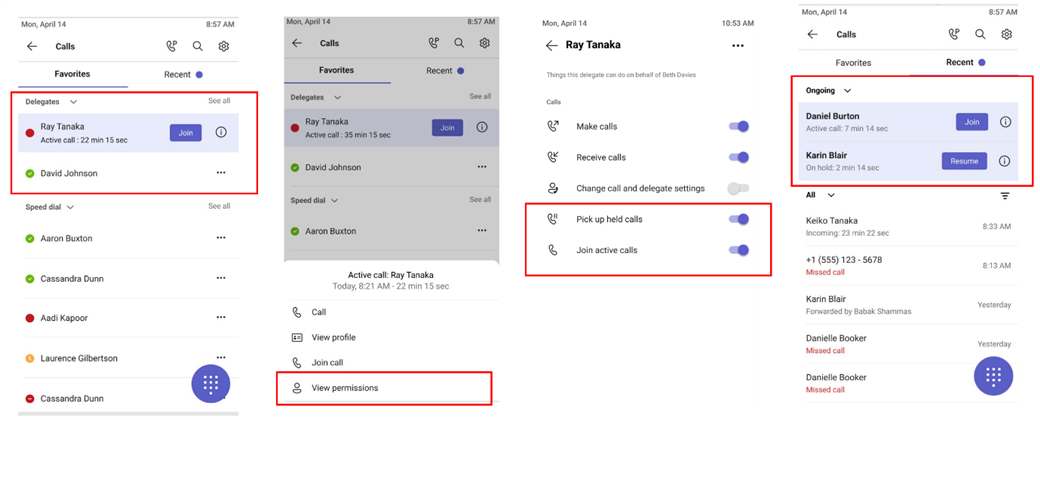
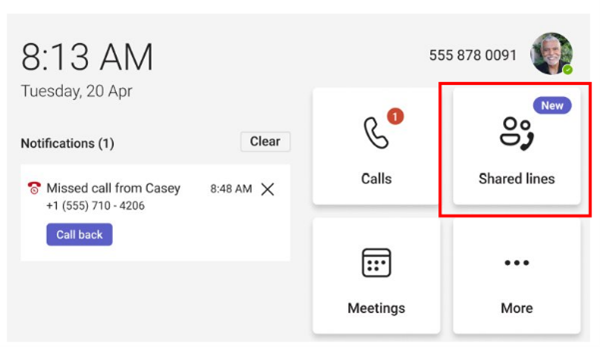
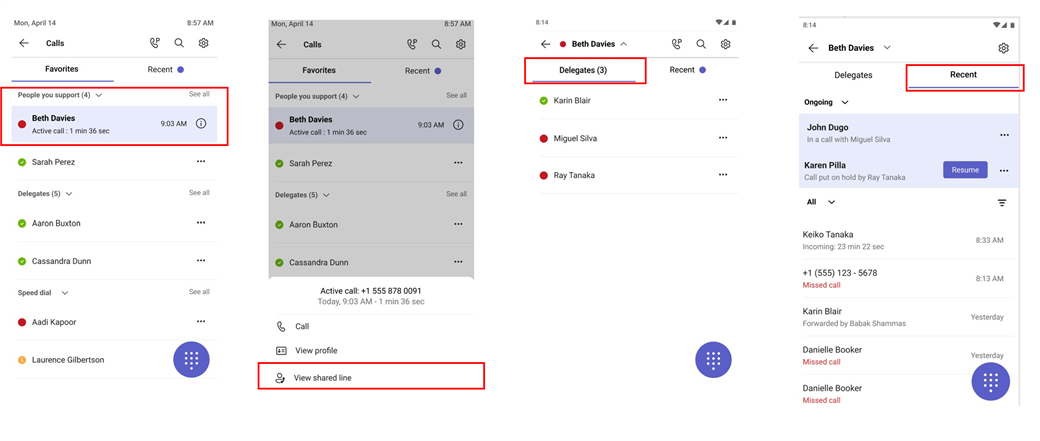




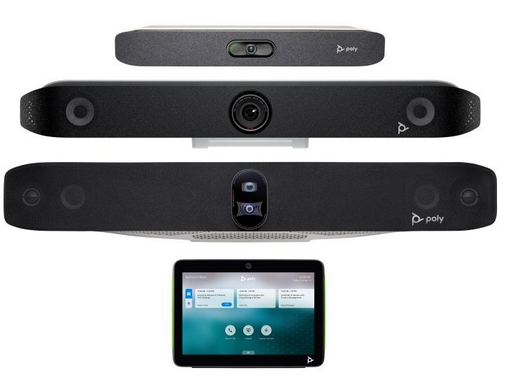
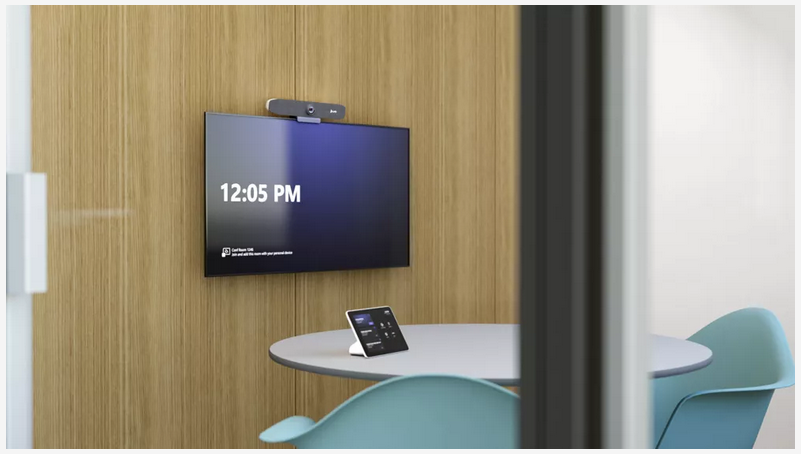
 . Cloud IntelliFrame makes non-AI cameras smarter. With Cloud IntelliFrame, participants in the room appear similar to remote attendees, creating an immersive and engaging experience for everyone. Whether working from home or in the office, participants are able to see every facial expression and cue, just as if they were there in person.
 . IntelliFrame enables multi-stream video, face recognition of in-room participants, active speaker recognition, attributed voice-based transcription, and panoramic video on front-of-room (180-degree view) and center-of-room (360-degree view) cameras, taking Teams Rooms on Windows cameras to the next level of intelligence.
 . It removes individual backgrounds, adjusts video participant’s size, and applies a unified background for remote participants to make them appear as if they are in the same room. This reduces distractions and provides in-room meeting participants with better connection to remote participants in Teams meetings.
 . Spatial Audio brings next-generation audio to the Front Row experience when connected to stereo speakers. This intelligent audio technology delivers a more natural and inclusive experience for in-room participants by playing audio from channel closer to physical location of remote participants on Front row layout, making it feel like remote people are in the room with them and reducing meeting fatigue.